Your wedding music, planned properly
Every couple I work with gets the planning app. It is free for you, it works on iPhone and Android, and it means nothing about your music is left to be guessed at on the day.
From the ceremony prelude to the last song of the night, you decide what plays and when. Your guests can vote. Your do-not-play list is honoured.
Watch me walk through it
A little over two minutes and you will know everything you need to. Most couples do their whole timeline in one sitting.
What you actually do in it
Five screens. That is the whole app.
Your event, in one place
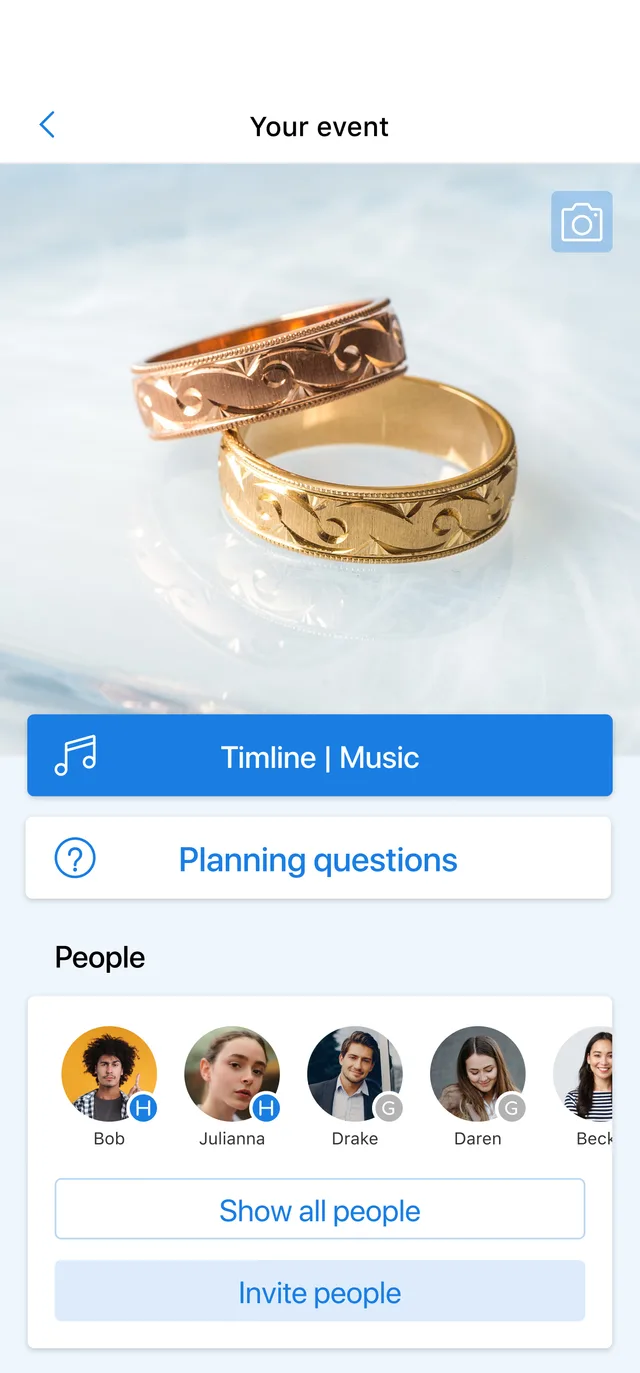
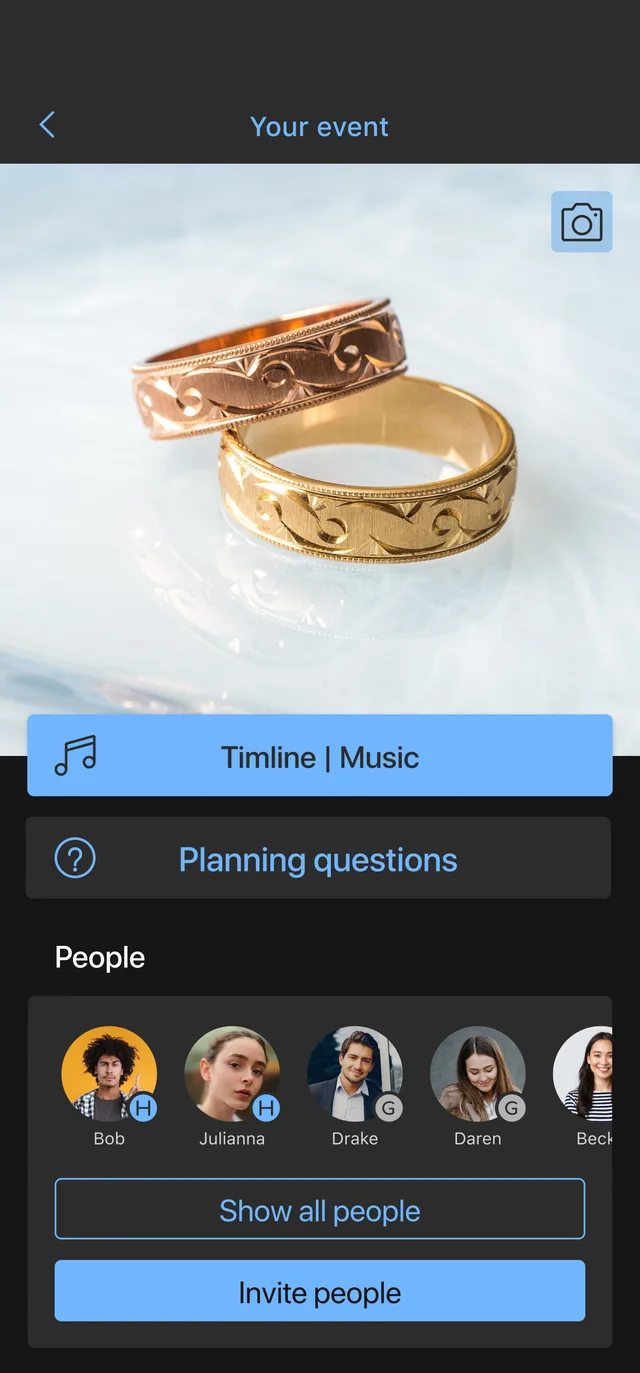
Everything for your wedding lives behind one screen: the timeline, the planning questions, and the people you want helping. Invite your partner, your planner, whoever is choosing the music with you, and you are all working on the same thing rather than three versions of a spreadsheet.
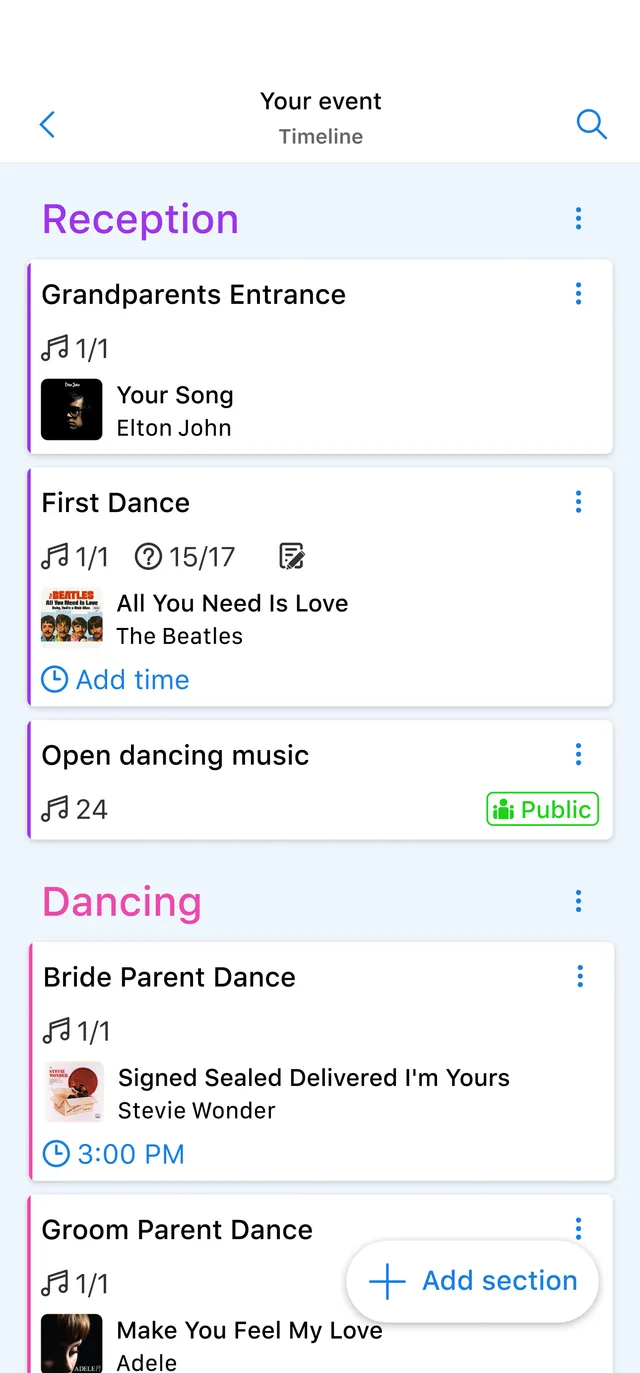
Build the night in order
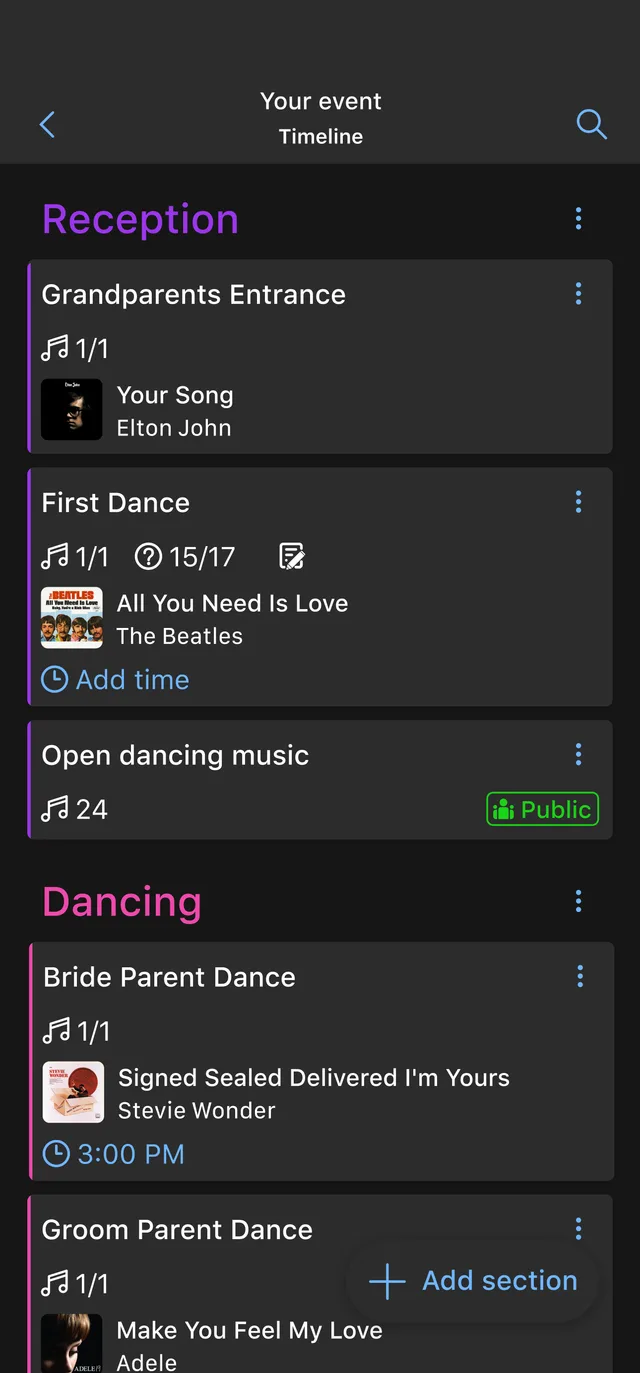
Sections for the ceremony, dinner, the dances and open dancing, and inside each one the moments that matter: grandparents entering, the first dance, the parent dances. Attach a song to a moment and put a time on it, and the running order of your night is written down instead of being explained on the day.
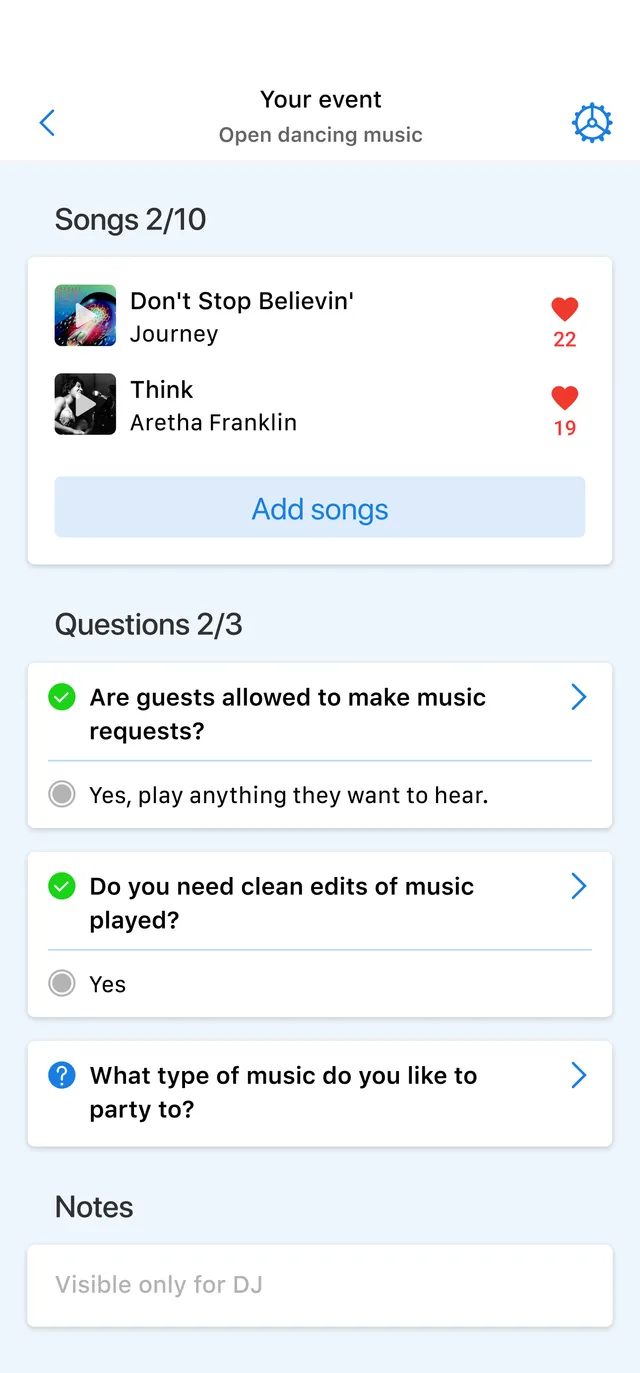
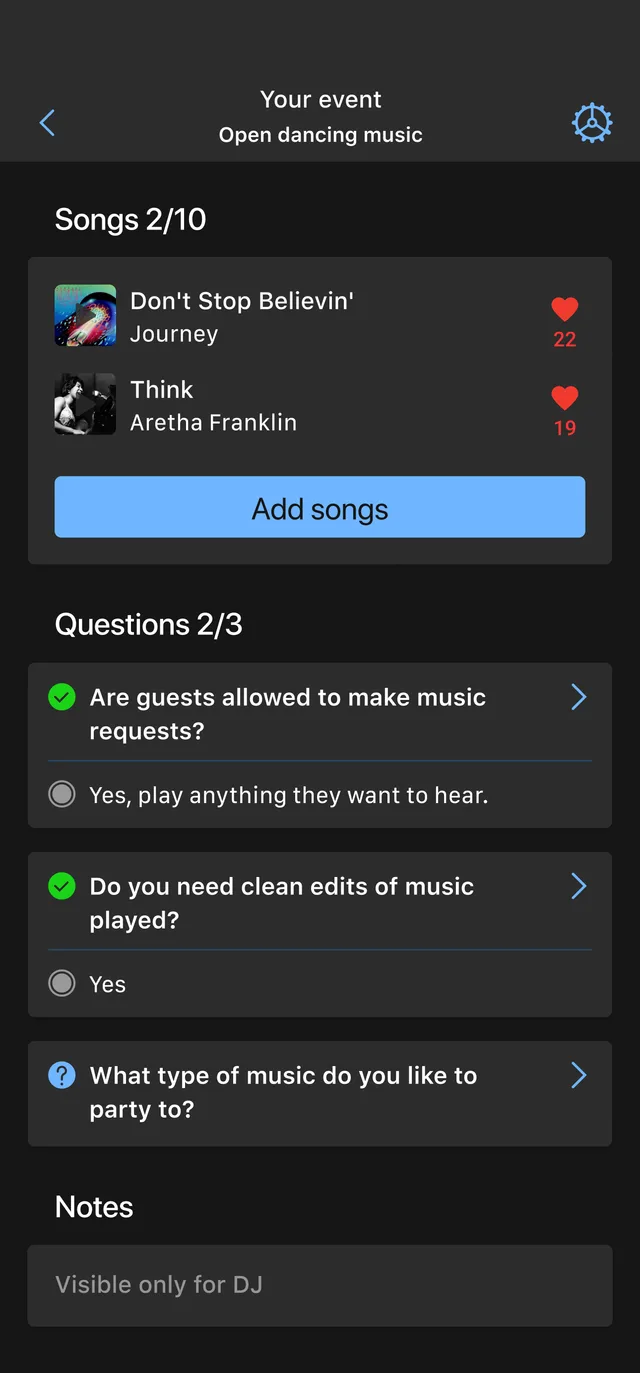
Answer the questions once
Each section carries its own questions. Are guests allowed to request songs? Do you want clean edits? What should the room feel like? Answer them here and they are answered for good, and there is a notes field only I see for anything you would rather not put in front of guests.
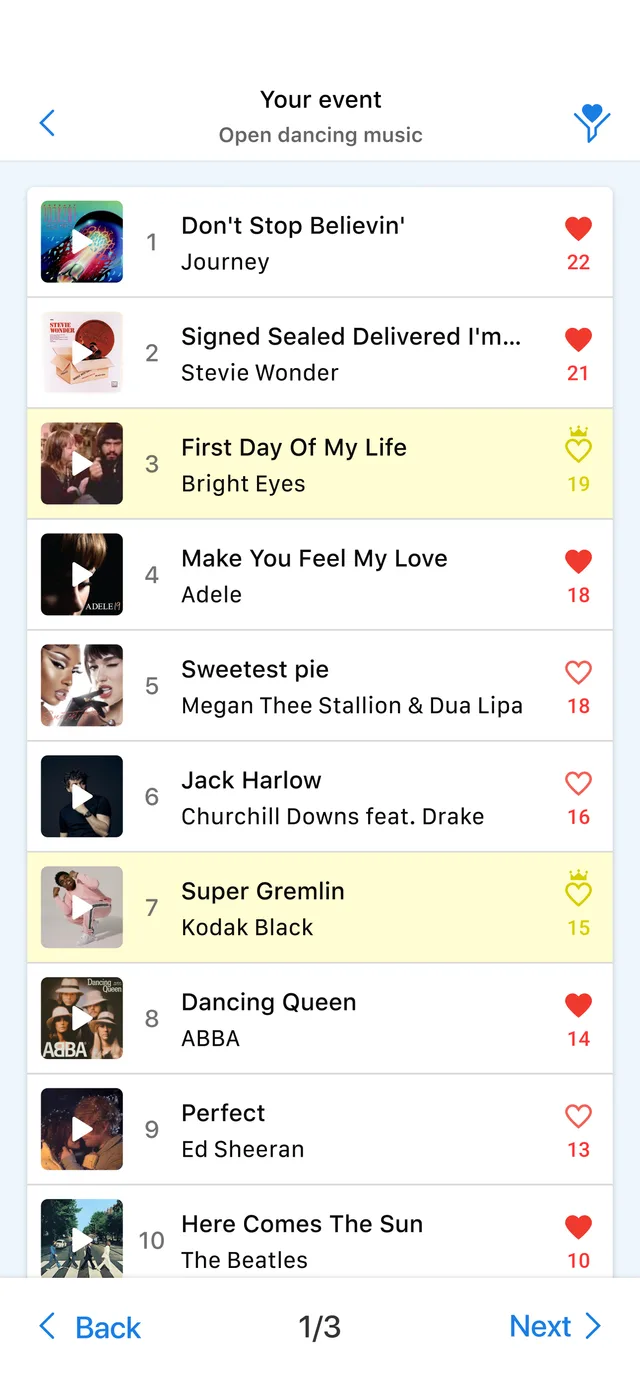
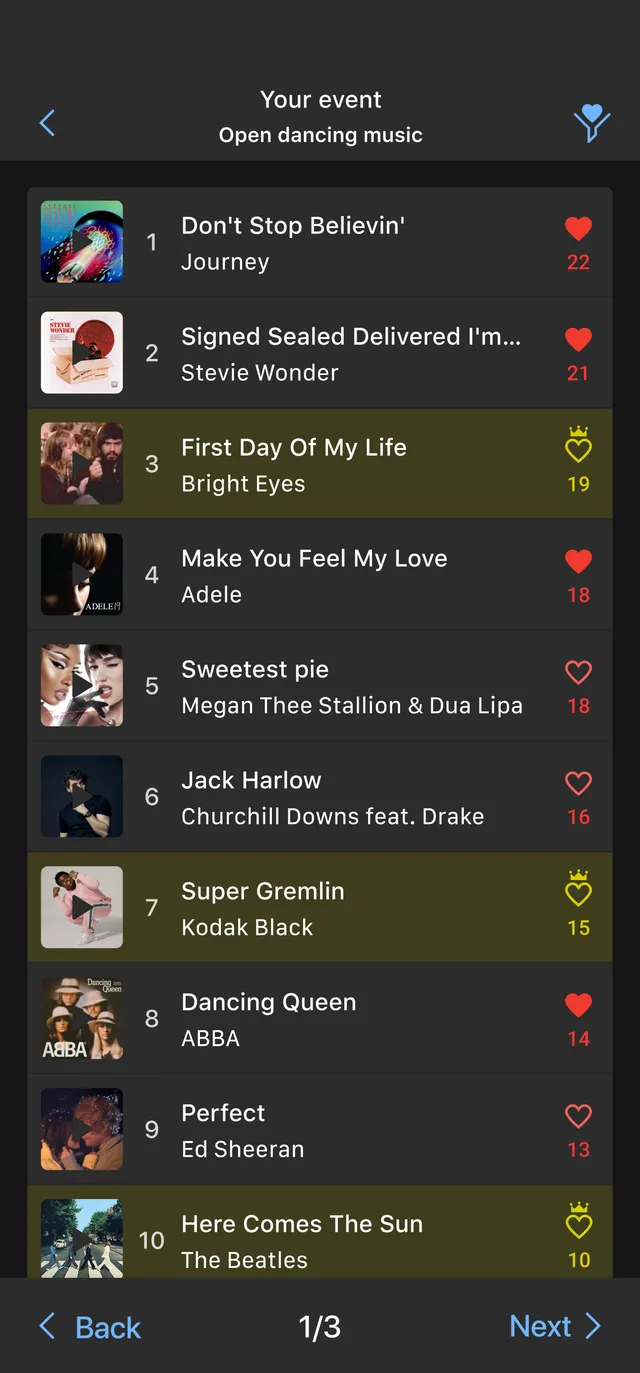
Let everyone vote
Share the list and your guests add what they want to hear. The songs sort themselves by how many people wanted them, so by the time the night arrives the order is decided by the room rather than guessed at.
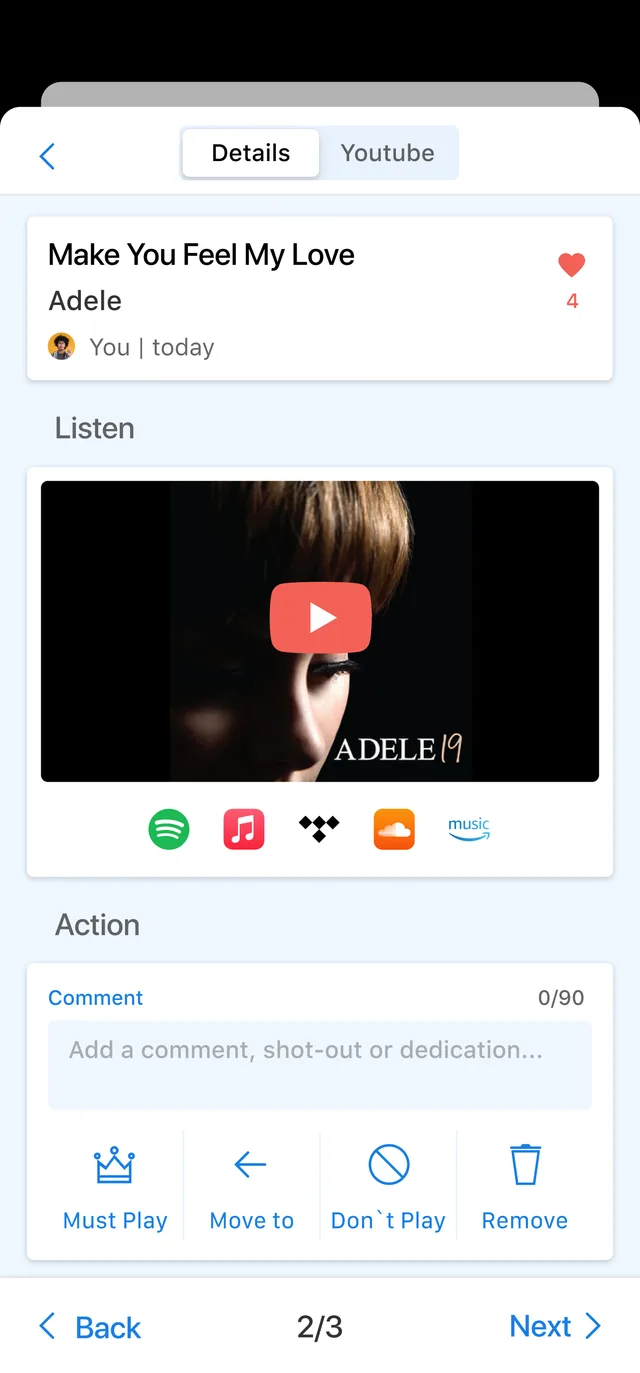
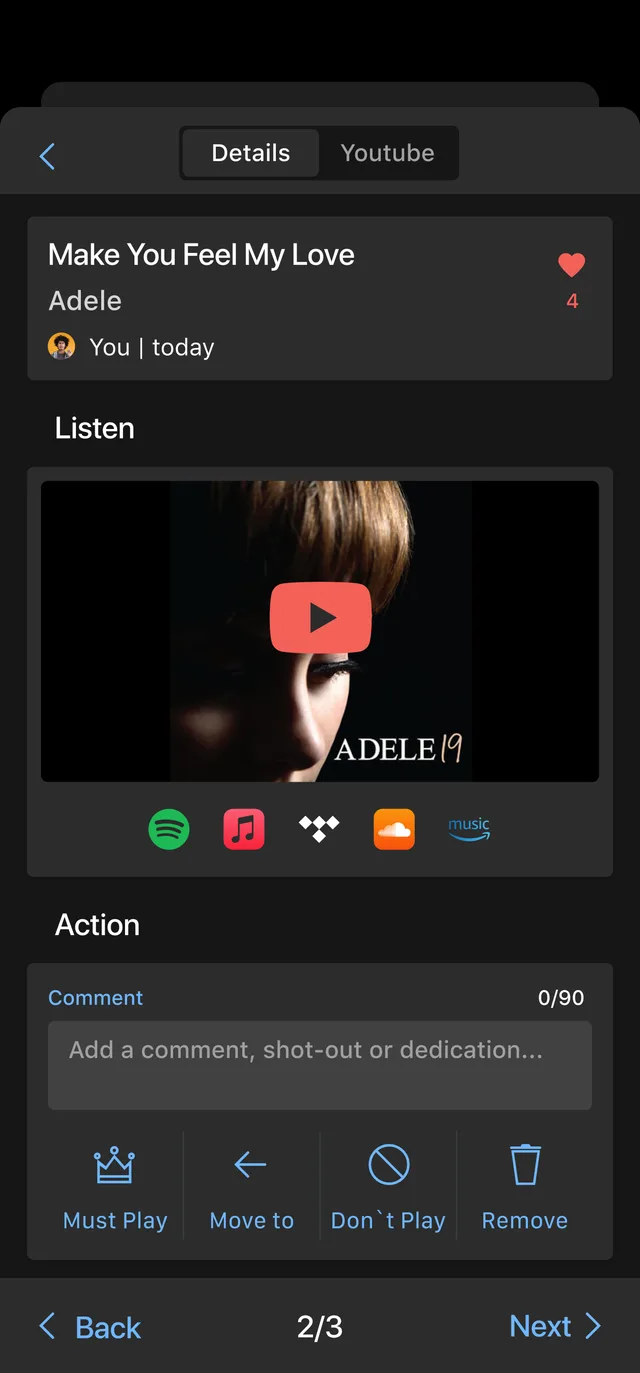
Must play, and never play
Open any song to hear it, leave a note or a dedication, and mark it. Must play means it gets played. Do not play means it does not, whoever asks. That list matters as much as the other one, and it is the part couples are most relieved to have.
Prefer to read it?
The same walkthrough as a guide you can keep, print, or send to whoever is helping you plan.
Download the guide PDF, 5.5 MBThe app comes with the booking
You get your event set up in it as soon as your date is confirmed. Tell me your date and venue and I will tell you straight away whether it is free.